

T³ Design
Home
Screenshots
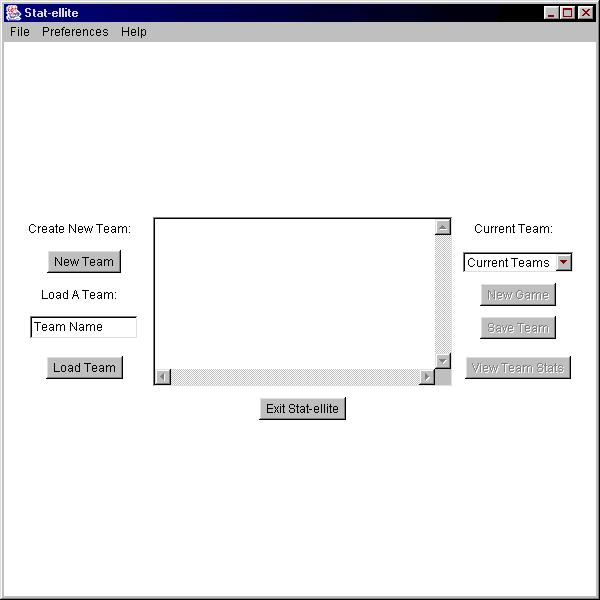
The first screen the user sees when they start Stat-ellite is the Home screen. This is where the user can create new teams, load a saved team or select an active team to view stats or play new game.
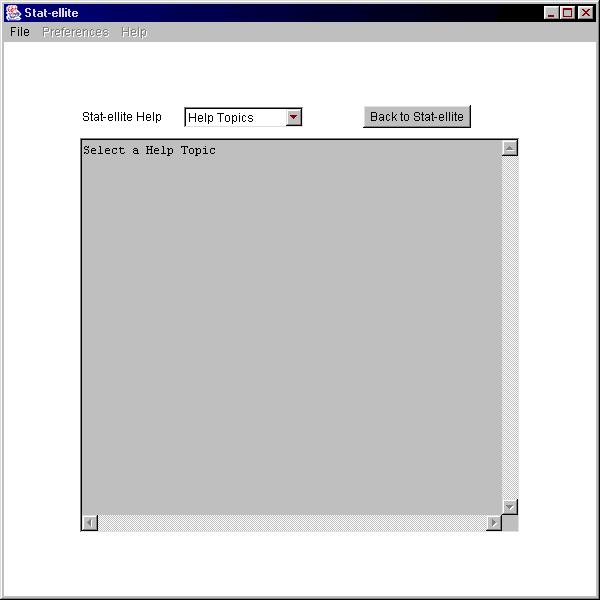
The Help screen, used to display help topics.
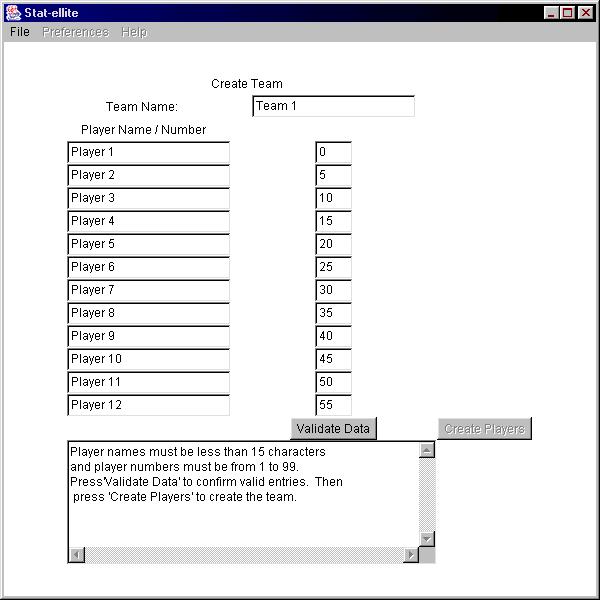
The screen the user sees when creating a new team is the Create Team screen. It allows for the input of twelve players. The players' names have been initalized to player x where x represents the player number. The user enters names and the selects the "validate data" button. Once there are no errors the user can click the "create players" button to continue.
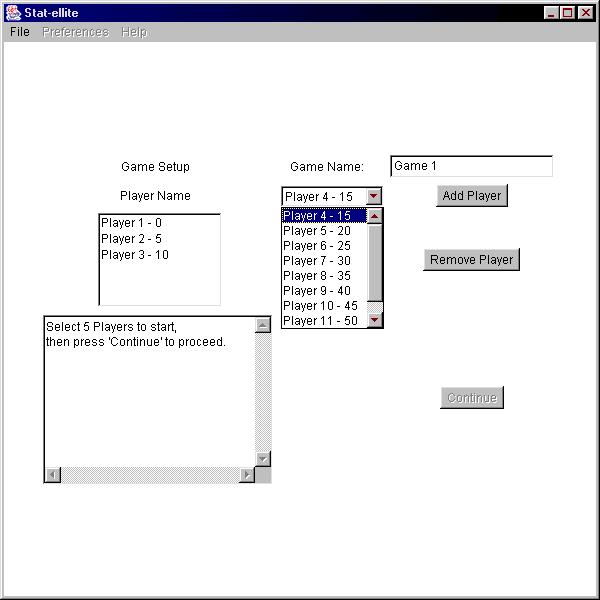
The next screen is the Game Setup screen, where the user selects five individuals from a list to start the game. The selected name/number is added to the list of starters. The user may remove an item form the selected list should they change their mind about a decision. The user cannot contiunue until exactly five players are in the list and the user may not add more than five users to the list. Once the user has made their decision they click on the "continue" button.
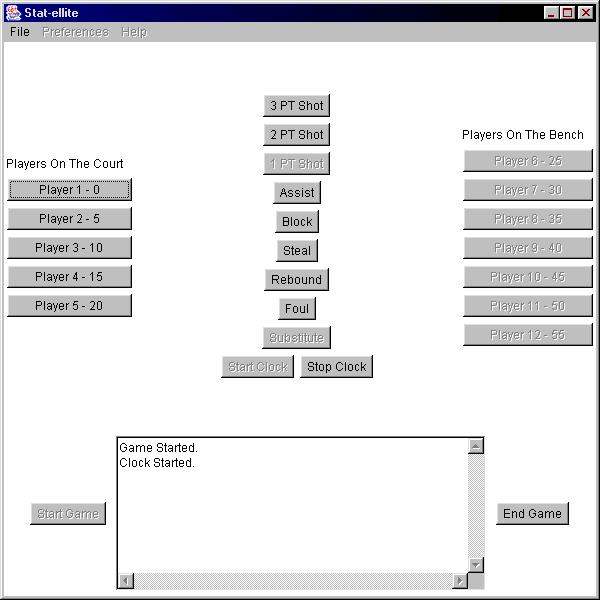
The screen the user sees for most of the program is the Game Play screen, where they are shown a column on the left for players on the court, in the middle they have actions that can be taken, and on the right they see the list of players on the bench. At the bottom, a text box displays actions and also controls the start and stop of the game. This screen will be the dominate screen as it is used to record game statistics.
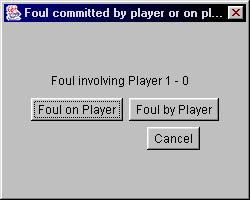
The foul dialog is used to determine details about a foul.
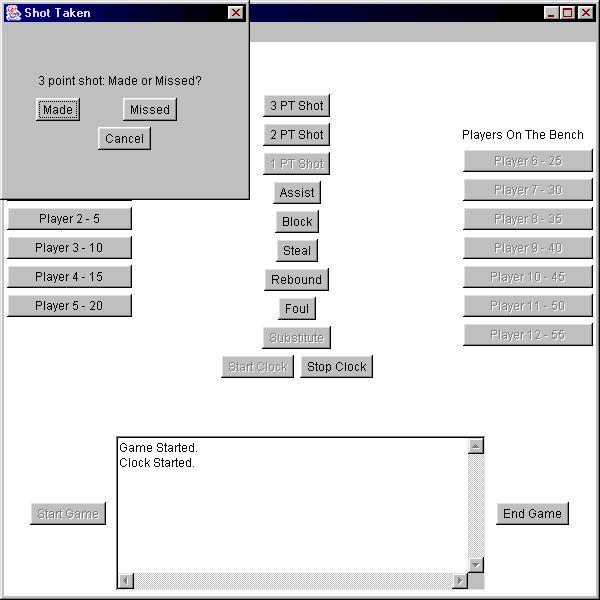
Determining whether a shot was made or missed is done using the shot dialog.
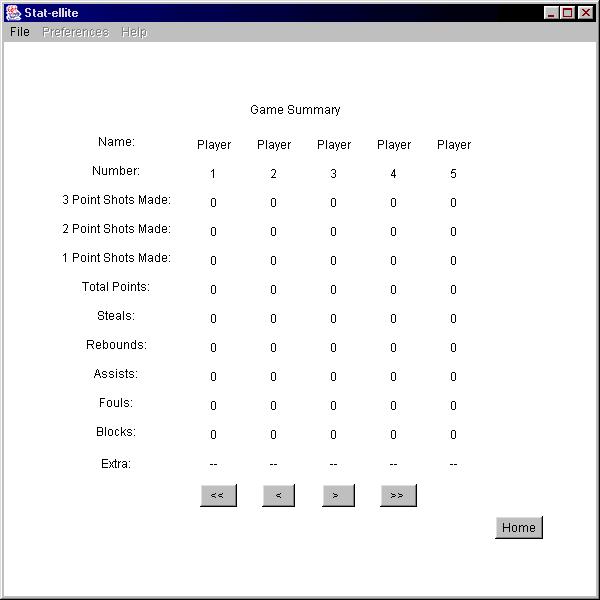
The game summary screen, which displays game statistics.
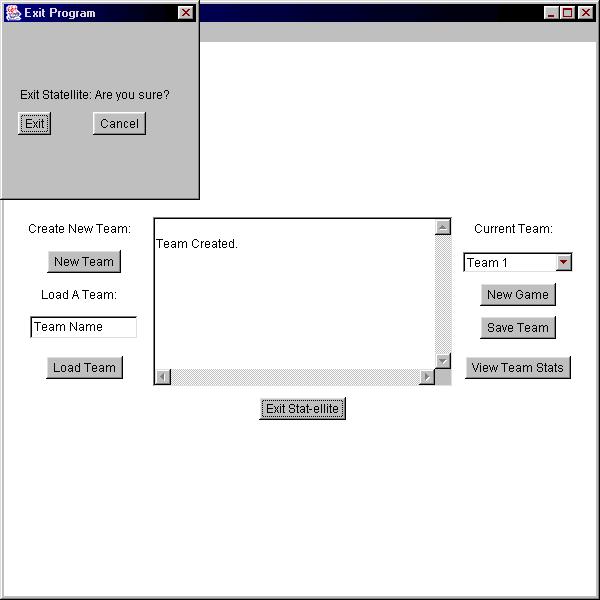
The exit dialog, used to confirm exiting the program.
Home
Copyright © 2003 Null Pointer Productions. All rights reserved.